

The Problem
Modern productions generate massive volumes of footage.
Editors and producers often face:
➢ Hundreds or thousands of unorganized clip
➢No visibility into what each file contains
➢Time wasted manually previewing footage
➢ Inconsistent naming conventions
➢ No centralized metadata overview
Managing video assets shouldn’t slow down production.
The Solution
Videomind AI transforms raw video folders into structured, searchable intelligence.
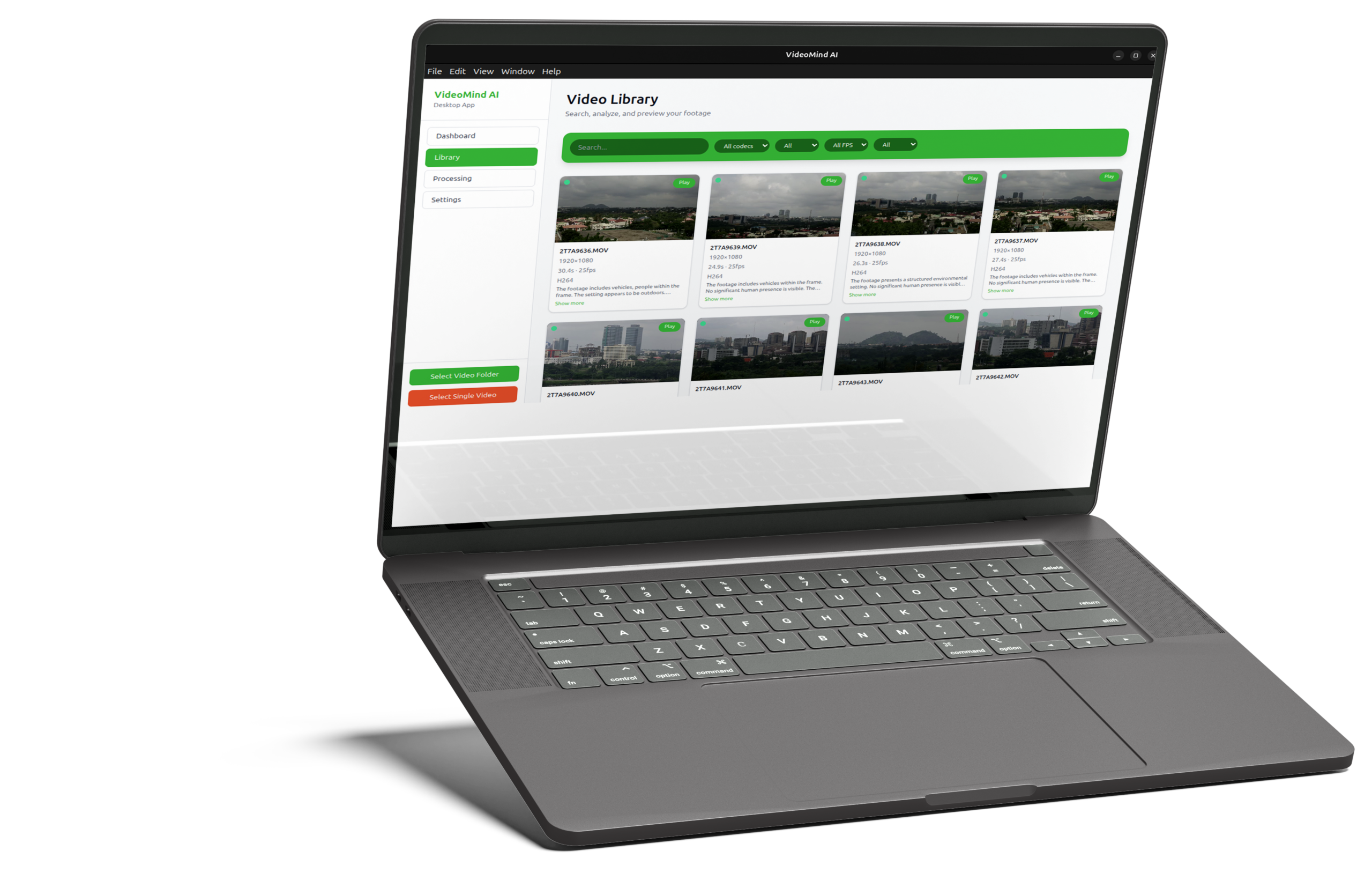
Instead of manually opening files to see what they contain, Videomind AI scans your video directories and automatically extracts technical metadata, generates AI-powered descriptions, and creates visual thumbnails for every clip.
With a single scan, you gain full visibility into your video archive, both technically and contextually, making it easier to find, manage, and understand large collections of footage.
No cloud.
No uploads.
No internet required.
What Videomind AI Does

Smart Video Scanning
Scan entire folders and automatically extract key technical details such as file name, full video path, duration, codec, frame rate (FPS), and other metadata, giving you instant visibility and understanding of your footage library at scale.

AI-Generated Descriptions
Each clip receives an intelligent, AI-powered description to help you understand what the video contains. Search your footage by meaning, not just by filename.

Video Health Overview
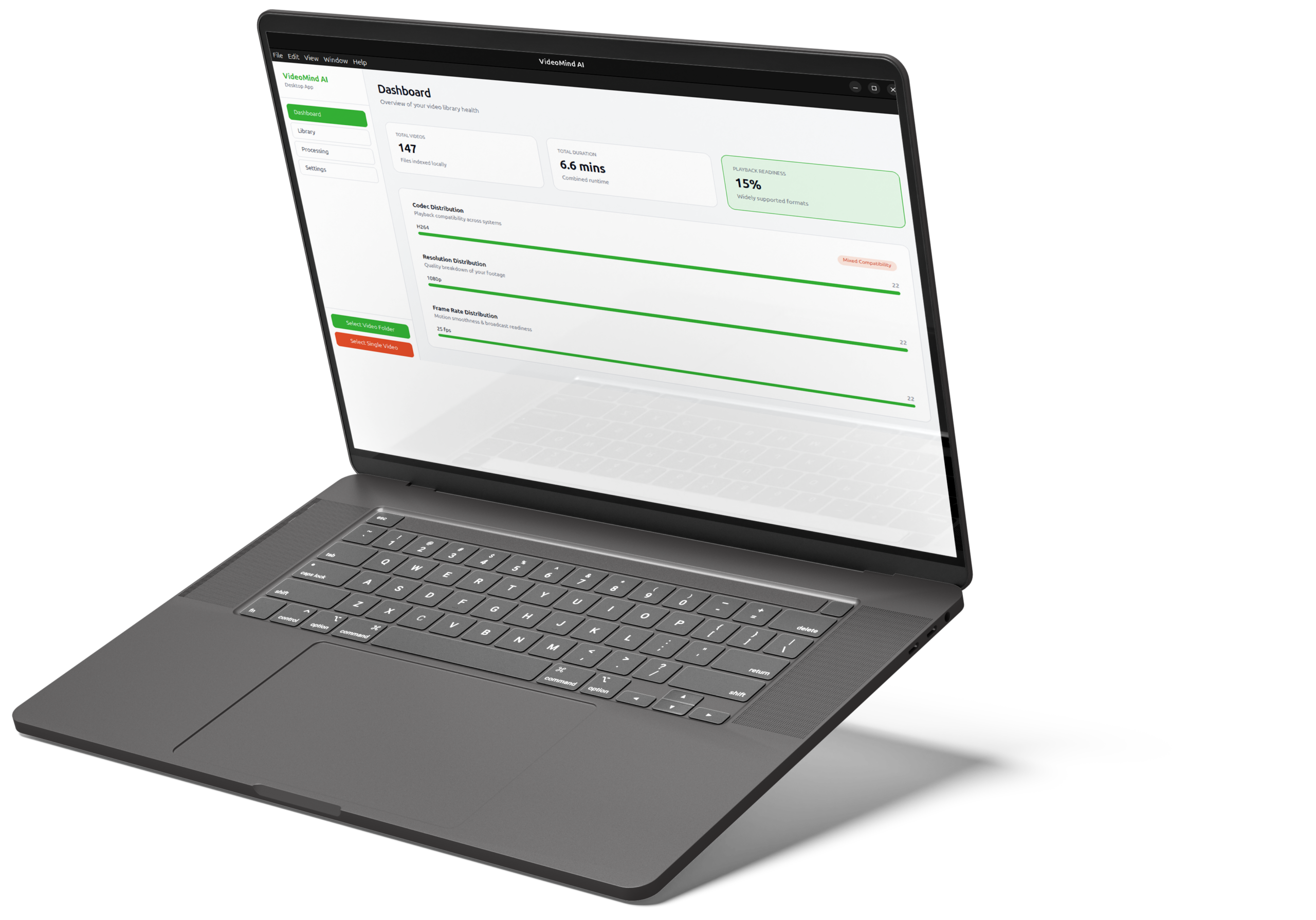
Monitor the integrity of your video files with built-in health indicators that provide a clear overview of individual clip status, total minutes scanned, and the overall readiness of your archive—helping production teams plan projects and audit their footage more efficiently.

Thumbnail & Preview Engine
Automatically generate thumbnails for every clip and preview videos with built-in playback, giving you a visual browsing experience so you can quickly identify footage without opening random files blindly.

Intelligent Search
Find clips instantly by searching file names or keywords within AI-generated descriptions, helping you spend less time searching through footage and more time creating.

Export & Reporting
Export your entire dataset to CSV or Excel, making it easy to share structured video metadata with editors, producers, archivists, and project managers.